Stream shorts

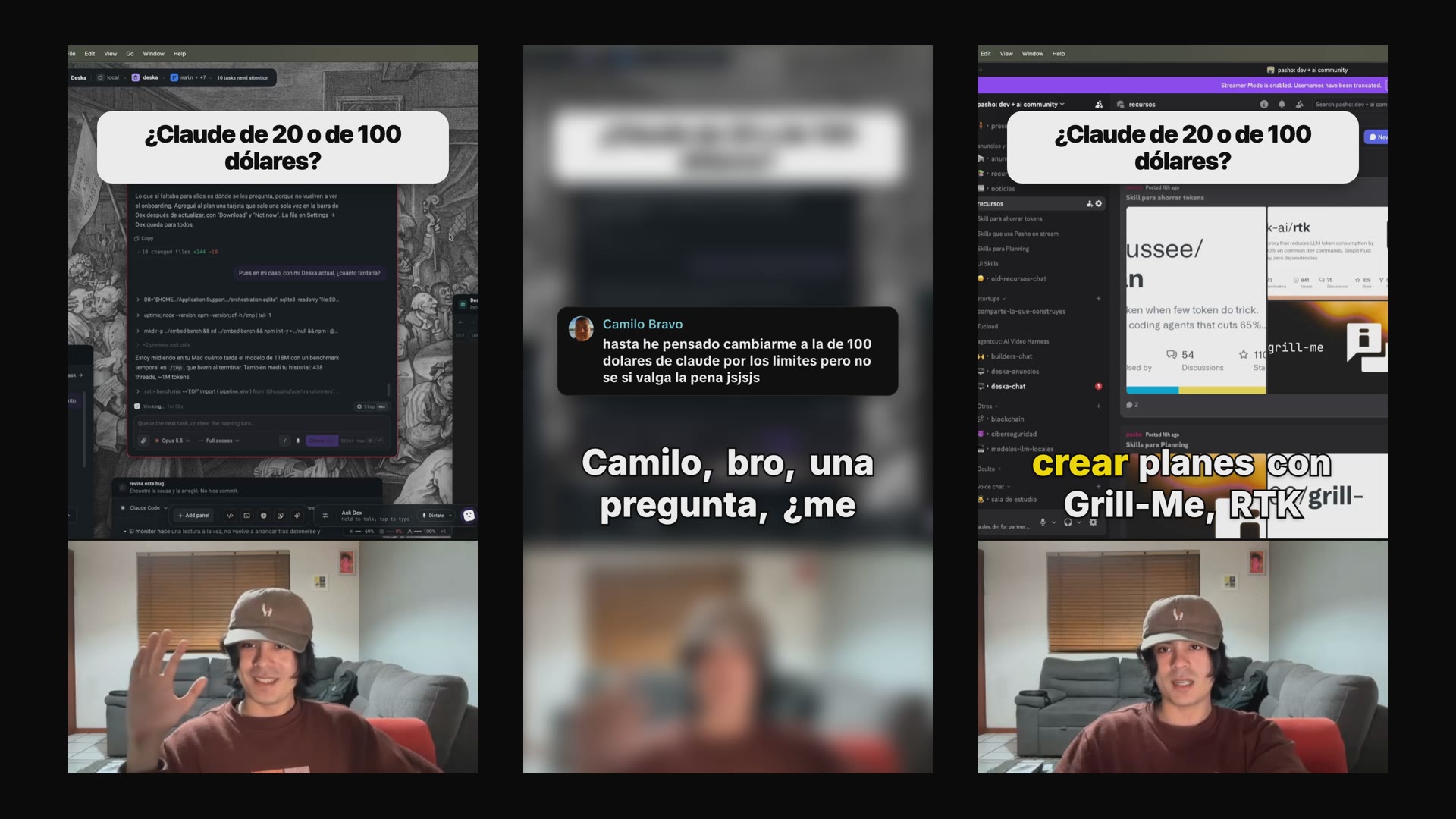
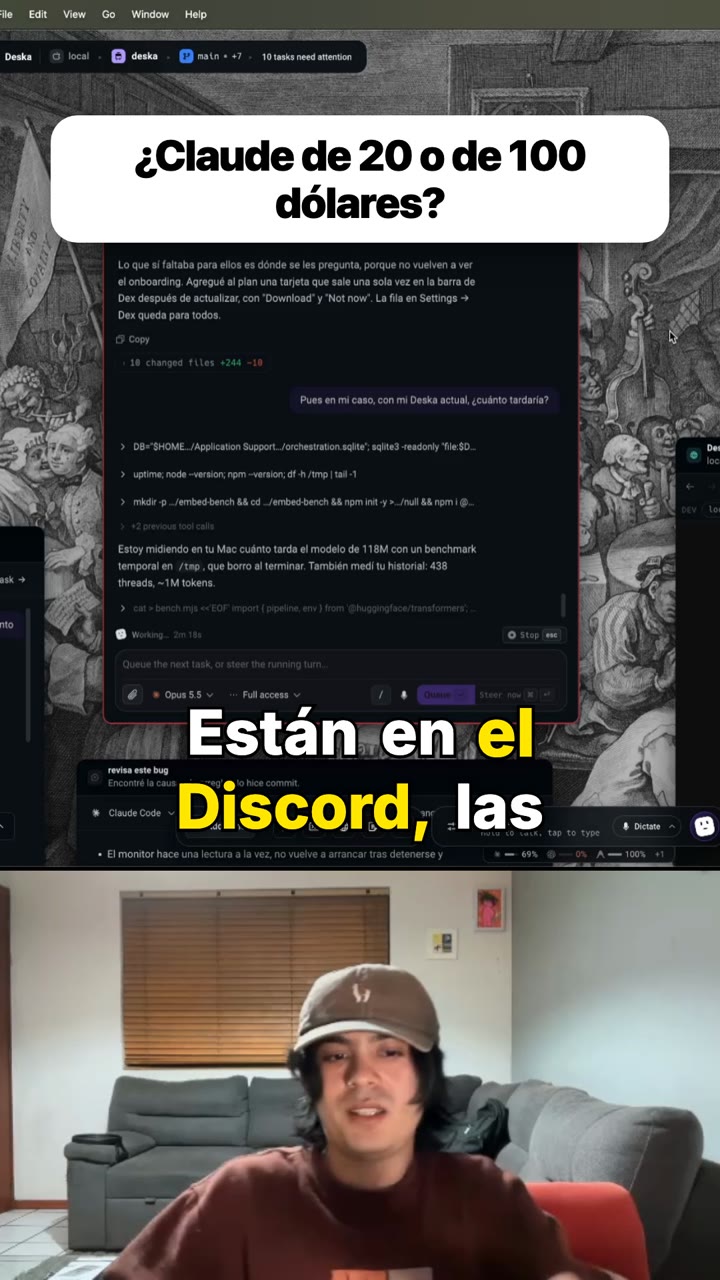
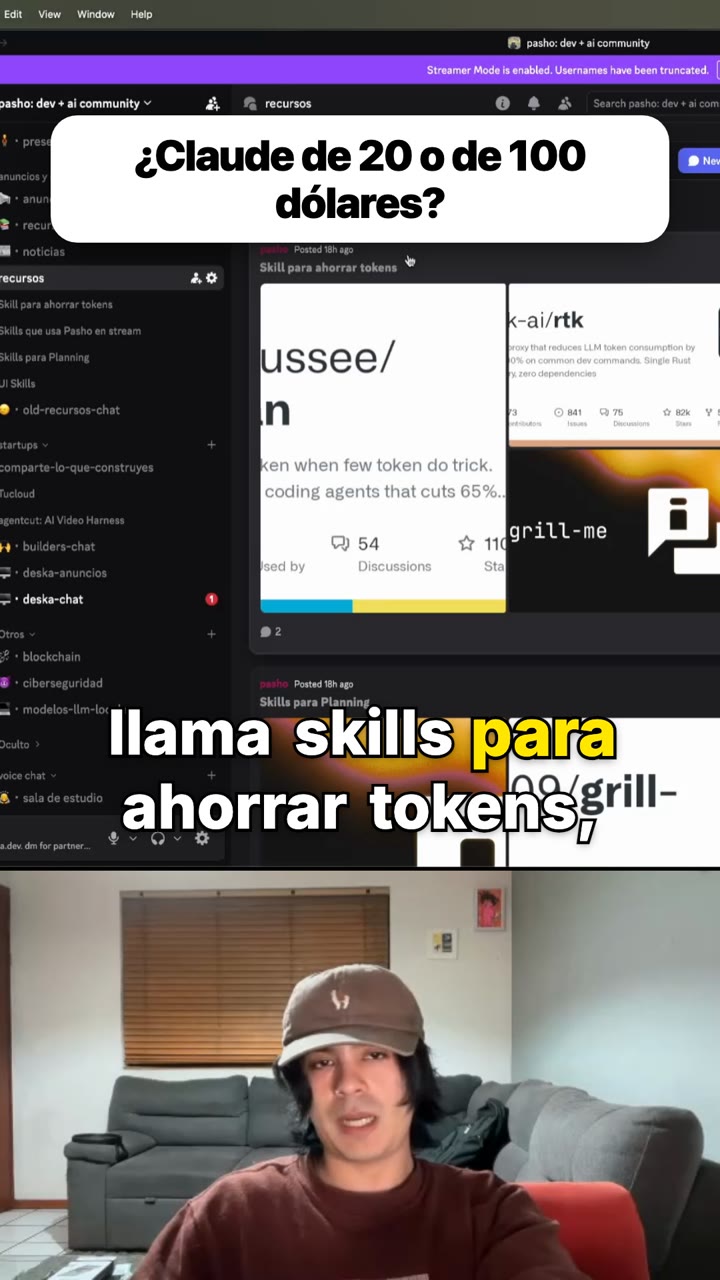
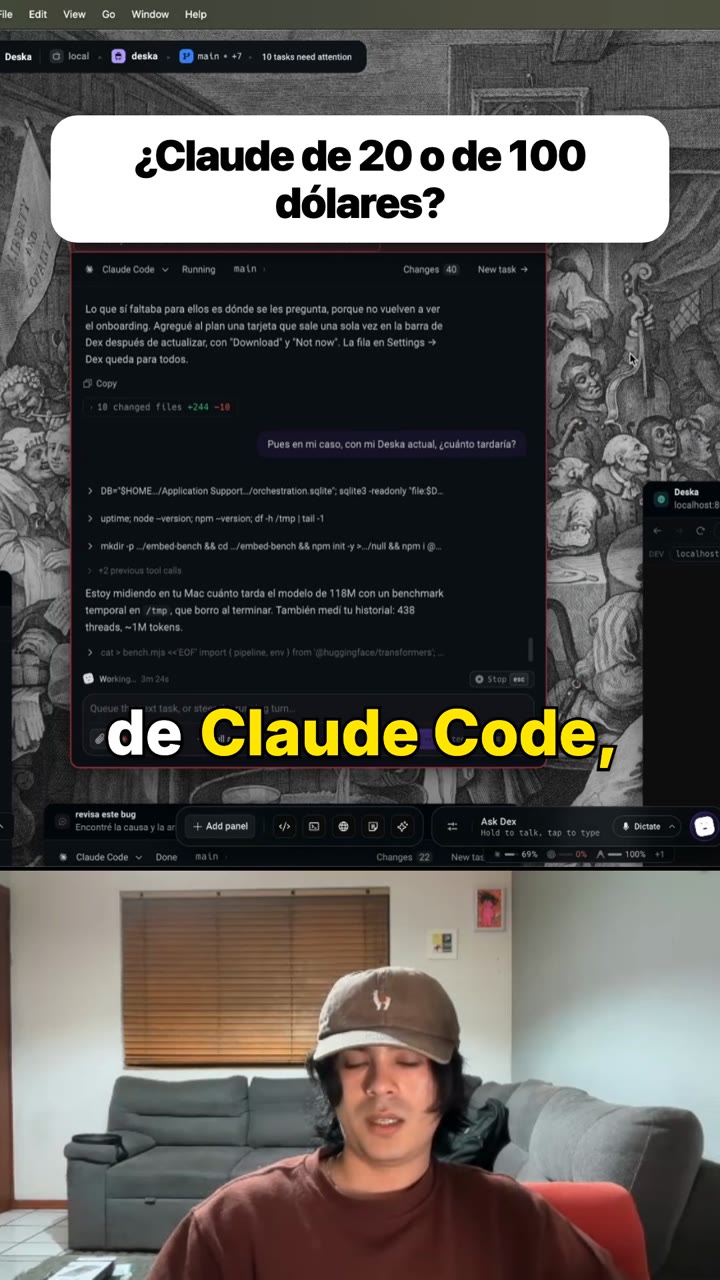
Vertical shorts cut from a screen-share stream: one complete thing each — a question with its whole answer, or one idea explained — the screen above and the camera below, the hook on screen throughout, the chat message it answers popping in over a blurred frame while it is read out, and your own end card at the end.
- 1 template
- 3 rules
Style guide
STYLE.mdShorts from a stream
A stream is hours of one person working with their screen up and a chat beside them. A short out of it is one complete thing that happened in those hours: a question answered, an idea explained, a decision argued. It is not a funny two seconds, and it is not a trailer for the stream.
Who it is for
Somebody scrolling who has never watched the stream. They do not know the speaker, the project, or what was asked five minutes earlier. Everything the clip needs has to be inside the clip.
What a good one is
- A question and its whole answer. The format that works best, because the chat already wrote the hook.
- Or an idea that stands alone: one concept explained in under a minute, from the first word of the explanation to the last.
- It leaves something behind: an opinion, a number, something you could use today. Context with no payoff is not a clip.
- It is better when it goes against what people assume. Agreement is not a reason to stop scrolling.
How it opens
- The first frame is the clip itself with its hook on it. The hook stays on screen for the whole video.
- If the clip answers somebody, it starts just before the streamer reads their message out. About half a second in, the message pops in — drawn the way the chat showed it, over the frame blurred behind it, with a short bubble-burst — and it stays exactly as long as it is being read, then it is gone on the frame. The captions keep running under it: they are the streamer's voice reading it.
- The hook is what the clip is about in two to six words, or the question itself. No clickbait, no shouting in capitals, no "wait for it".
- Never show a message nobody wrote. A hook invented to sound good is a promise the video cannot keep, and the clip runs on the hook alone instead.
The cut
- It starts where the thought starts and ends where it lands. A clip that begins mid-sentence sounds like a mistake, and one that ends before the point does is worse.
- Stumbles go, voice stays. The false start, the sentence said twice, the "um" — out. The way the person actually talks — the asides, the rhythm words, the laugh — stays.
- Pauses are part of speaking. Cut the dead air and the waiting; leave the pause before a verdict.
- Never cut a joke short, and never cut the reaction that follows the punchline.
What is on screen
- Vertical, split: the screen on top, the camera in a corner below. Whatever is being shown is the content — code, a terminal, a browser, a game — so nothing covers it.
- No stock photographs over a screen share.
- The sentence being said is on screen as it is said, with the spoken word lit. Two rows at most.
- Every clip ends on the channel's own card, from the
endcardslot. A pack that ships without one ends on the last word instead, which is fine — it is not a placeholder.
What it never does
Music over the voice. A hook that names something the clip never gets to. A clip built out of two moments stitched together as if they were one. Cutting an opinion in half.
Templates
Stream shorts — clip
stream-shorts-clipA vertical short cut from a screen-share stream: the screen above, the camera below, the hook on screen from the first frame to the last. When the clip answers somebody, their message pops in over a blurred frame half a second in — with a bubble-burst — held while you read it out, and gone on the frame you finish; the captions never stop. Stalls and false starts come out; the voice stays.
Rules
Text your agent follows. Read it before you install.A clip that answers somebody shows their message as it is read out
open-on-the-commentWhen the clip was cut from a stream recording and answers something a viewer said in the chat
The viewer message the clip answers pops in over a blurred frame as the streamer reads it, drawn the way the chat showed it, and leaves when they finish; the hook stays on screen throughout.
Every clip ends on the channel's card
end-on-your-cardWhen the clip was cut from a stream recording
The card the channel ends every video on, played whole after the last word — from the endcard slot, so it is yours rather than the pack author's.
Nothing covers what is being shown
nothing-covers-the-screenWhen the clip shows a screen share — code, a terminal, a browser, a game, a design tool
On a screen-share clip the screen is the content, so no picture is placed over it.
Quick actions
Buttons it adds beside the agent conversation.Cut shorts from this stream
Find the complete moments in {selection} — a question from the chat with its whole answer, or one idea explained on its own — and cut them with the Stream shorts — clip template.
Show the chat message
For {selection}, find the message from the chat it answers and pop it in over the video while it is read out, with the hook staying on screen.
Start where the thought starts
Check the edges of {selection}: move the start to where the thought actually begins and the end to just after it lands. Nothing mid-sentence at either end.
What correct looks like
review.json8 measured checks and 4 questions the agent answers with evidence; 7 of them critical, which hold an export until fixed or waived.